
Network Manager
The Network Manager is frequently used to create and open networks, to rename, comment and group them.
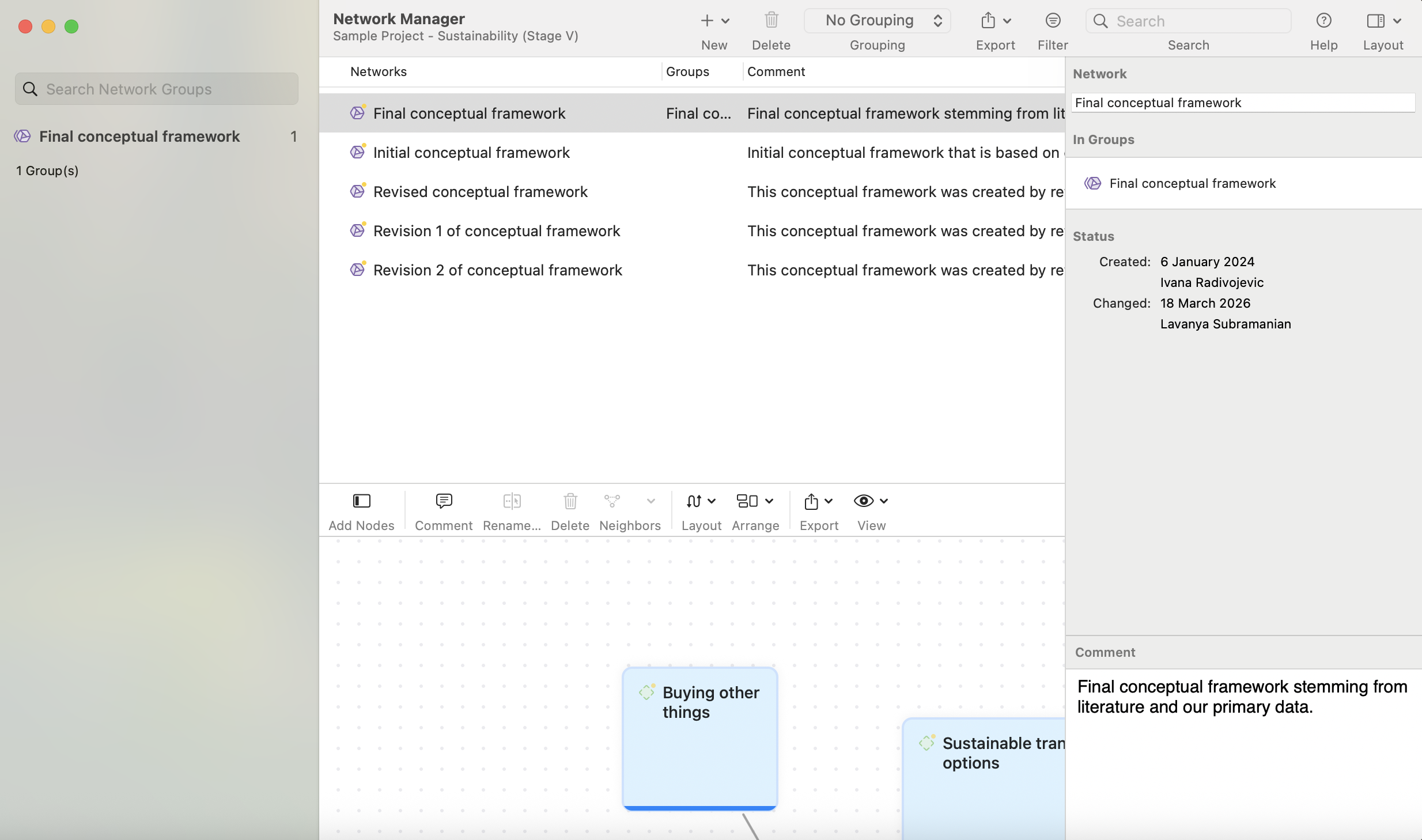
Organizing Networks in Folders
Networks can be organized into folders. Folders can be contained in other folders. There might be projects that require different levels of network organization. Below is an example with three levels:
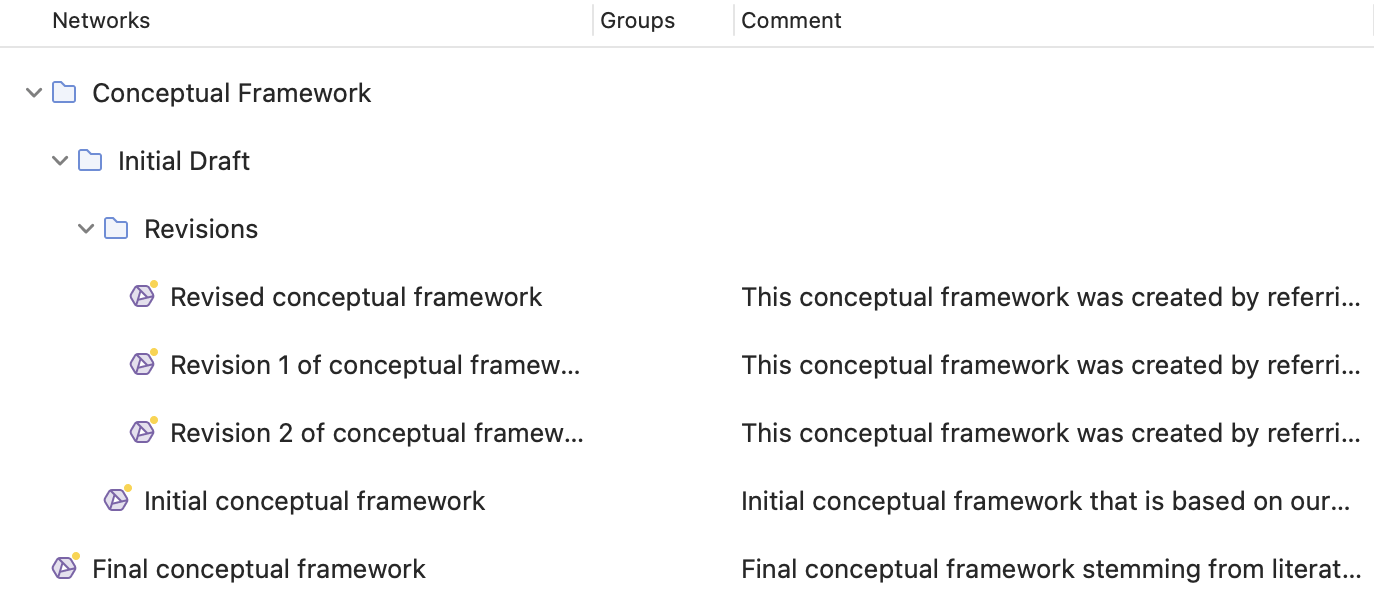
In contrast to groups, a network cannot be in more than one folder. The folder structure is hierarchical; groups are not.
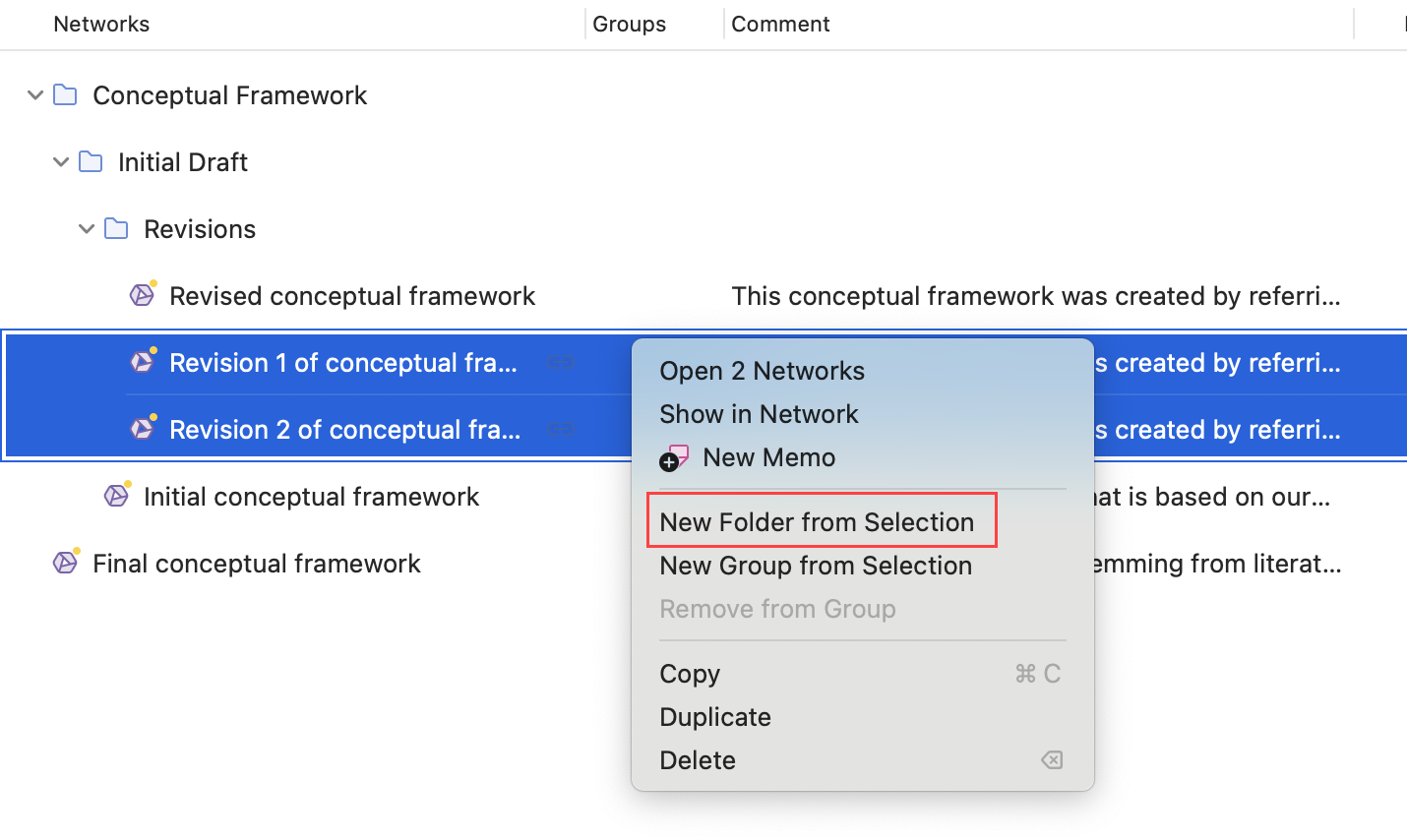
How to create folders
Select one or more networks, right-click and select the option New Folder from Selection from the context menu.
If you delete a folder, all content in the folder is also deleted.